Thank you to the 432 of you who joined our free webinar on cyber hygiene for HR and finance professionals. Questions came in through the chat, the Q&A box and our social media pages, and we could not get to all of them on the hour. Here are the ten that came up most often, answered in full.
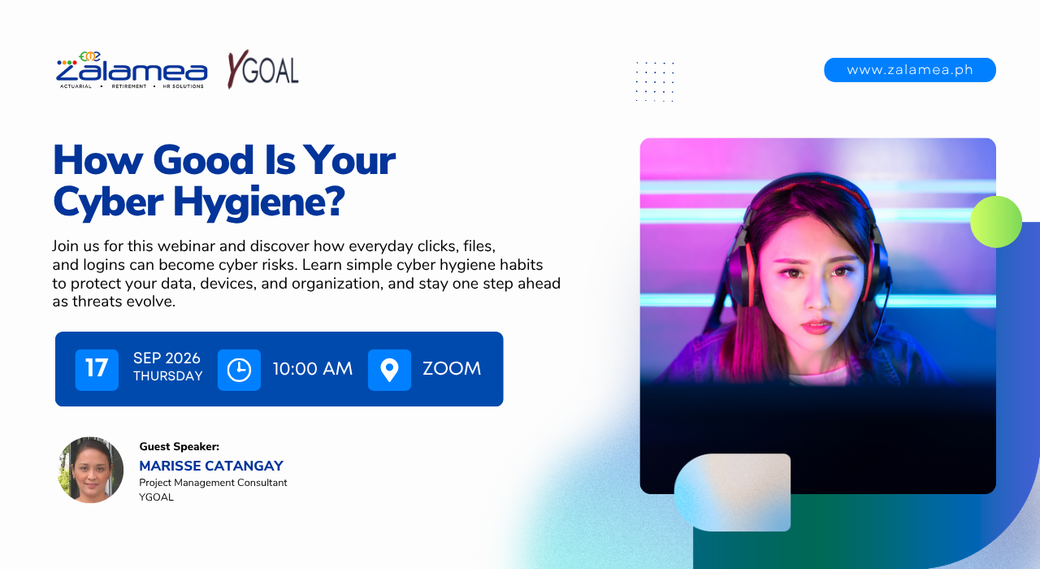
These are the questions that came up most often during the session, grouped by theme and written so each answer stands on its own. Cyber hygiene is not a one time lesson, so these are worth sending to your team and revisiting.
Cyber hygiene is the set of routine habits that keep your accounts, devices and data safe. Securing accounts, protecting devices, staying alert to scams, and browsing carefully. Information security is the wider program an organization runs: policies, controls, access management, audits and certification.
The program sets the rules. Hygiene is what people actually do on an ordinary working day. Both are needed, because controls fail when daily habits do not hold, and good habits cannot make up for a company with no policy at all.
Cyber hygiene is also not a one time lesson. The threats keep changing, so the practices have to be reviewed and refreshed.
At least twelve characters, mixing upper and lower case letters, numbers and special characters. Not an ordinary word. No personal information such as a birthday, a family member's name or a pet's name, and no predictable patterns. Use a different password for every account so that one leak does not open the rest.
Update passwords regularly, and immediately whenever there is any sign of compromise or when someone with access leaves the organization. Some systems require a change twice a year.
Pair passwords with two factor authentication wherever it is offered. On the HR side that means HRIS, payroll, recruitment, employee records and HR cloud storage. On the finance side, banking, accounting, payment platforms and finance email.
Reputable password managers encrypt what they store, and many IT teams use them. The risk is not zero, but the far more common failure is much simpler: one weak password reused across a dozen accounts.
There are three practical approaches, each with a tradeoff. A written notebook kept physically secure, which fails completely if you lose it. A cloud based manager, which is convenient and syncs across devices, and depends on the provider's security and on your master password. A local manager that does not sync, which has a smaller exposure but no backup if the device dies.
Whichever you choose, protect the master account with two factor authentication, and check your company policy first. Some organizations specify the tool.
Your phone connects when someone selects that network in settings, and it will reconnect on its own the next time you are in range unless you tell the device to forget it. That is how people end up back on an open network without choosing it.
Data on an open network can be intercepted, so avoid public Wi-Fi for work. Never log in to payroll, HRIS or banking systems on one. If you have no choice, use a VPN, skip anything sensitive such as banking, online purchases or sharing confidential information, and forget the network when you leave.
Treat any request to change payment details as suspicious until it is verified through a channel you already have, never through the contact details inside the message. Call the supplier on the number on file. Confirm by voice and not only by email. Ask for supporting documents such as a scanned copy of the company account, and verify with the bank.
This attack is business email compromise. An attacker gains access to an account or spoofs one, sends an altered payment request, finance acts on it, and the money moves. For finance, a cyber incident becomes a loss in minutes, which is why verification before action is the control point that matters most.
You do not have to be a cybersecurity expert to answer this correctly. Slow down whenever a request involves sensitive information. Check the sender's actual email address and not just the display name. Watch for urgency, a request that skips the normal process, unusual phrasing, poor grammar, or links and attachments you were not expecting. Then verify through a trusted channel such as a phone call. Do not reply to the email to confirm it.
The case discussed during the session is a common one. An HR staff member believed the request and sent the names, emails and ID numbers of more than fifty employees. Days later those employees reported unauthorized transactions and identity theft.
With AI, a convincing message takes very little effort to produce. Do not rely on appearances.
“Pause, verify, and report.”
Marisse Catangay, Project Management Consultant, YGOAL
Do not respond. Report it to IT or your security contact. Then delete it. Do not click any link, do not open attachments, and do not forward it to colleagues to warn them. Reporting it lets IT check who else received it and issue a proper advisory.
If you have already clicked the link or entered your credentials, report it right away. Speed matters far more than having the complete story.
Start with your organization's policy. In many companies, any tool has to be cleared before use, and the approved AI is often the one already built into the systems the company licenses. If your company has no policy yet, writing one is the first step rather than a reason to proceed freely.
Until then, check what you are putting into the tool. Anything you enter can become part of what the system retains, and AI does not forget easily. Ask how sensitive the information is before you paste it, and keep employee records, payroll data, bank details and client information out of any tool your organization has not approved.
Republic Act 10173, the Data Privacy Act of 2012, governs how personal information is collected, processed, stored and shared in both the private and public sectors. It rests on lawfulness, fairness, transparency, data minimization, accuracy, security and accountability. Employees have the right to know what data you hold, to access it and to correct it, and violations carry penalties and fines.
The National Privacy Commission sets five pillars for putting this into practice: governance and accountability, risk management, policies and procedures, training and awareness, and monitoring and enforcement.
In daily work it comes down to six habits. Be transparent about what you collect and why. Collect only what is necessary. Protect data according to its sensitivity. Control who can access it, based on the role rather than on employment alone. Store it securely. Review, audit and train regularly.
Privacy by design means building this in from the start, across the whole employee lifecycle from recruitment through offboarding, rather than reacting after something goes wrong.
“The DPA provides the legal foundation for protecting personal information in both government and private organizations. It sets the rules around how personal data is collected, processed, stored, and shared and promotes principles such as transparency, data minimization, accuracy, security, and accountability for HR and finance.”
Marisse Catangay, Project Management Consultant, YGOAL
Do not panic, and do not try to investigate or fix it on your own. There are four steps.
Check. What happened, what information or account may be affected, and what your policy says. Change. Restrict access and update security settings, with IT involved rather than acting alone. Collect. Screenshots, the relevant emails or messages, transaction history, and a note of what happened and when. Do not delete anything to tidy up. Contact. Follow your internal reporting process: IT or security, the Data Privacy Officer, management, and any affected stakeholders. Report quickly, before you have the full picture.
The warning signs worth taking seriously rather than dismissing as a glitch are unauthorized access to sensitive files, confidential documents turning up in public, website defacement or service disruption, employees receiving phishing emails, and unusual system slowdowns or missing data.
If individuals are affected, a good breach notification answers five questions. What happened. What we are doing. What you can do. What happens next. Who you can contact.
“It is better to have a record that turns out to be unnecessary than to have an incident with no record at all.”
Marisse Catangay, Project Management Consultant, YGOAL
A BlueVoyant survey reported by BusinessWorld on January 23, 2025 found that 84.5 percent of Philippine organizations experienced an average of three cybersecurity breaches in 2024. The Allianz Risk Barometer 2025, reported by the Manila Bulletin on January 15, 2025, ranked cyber incidents as the number one business risk for Philippine businesses for the year.
This session was an introduction. The written policy, the training and the regular refreshers are what an organization actually needs, and the threats change fast enough that once a year is not enough. YGOAL builds tailored training programs around what your organization needs, drawing on consultants with specific expertise.